

Send and Receive CCX
Check addresses, synchronization, amounts and confirmations when transferring CCX.
Confirm that the wallet is synchronized before relying on its balance or sending a transaction. Compare its block height with the Conceal explorer.
Receive CCX
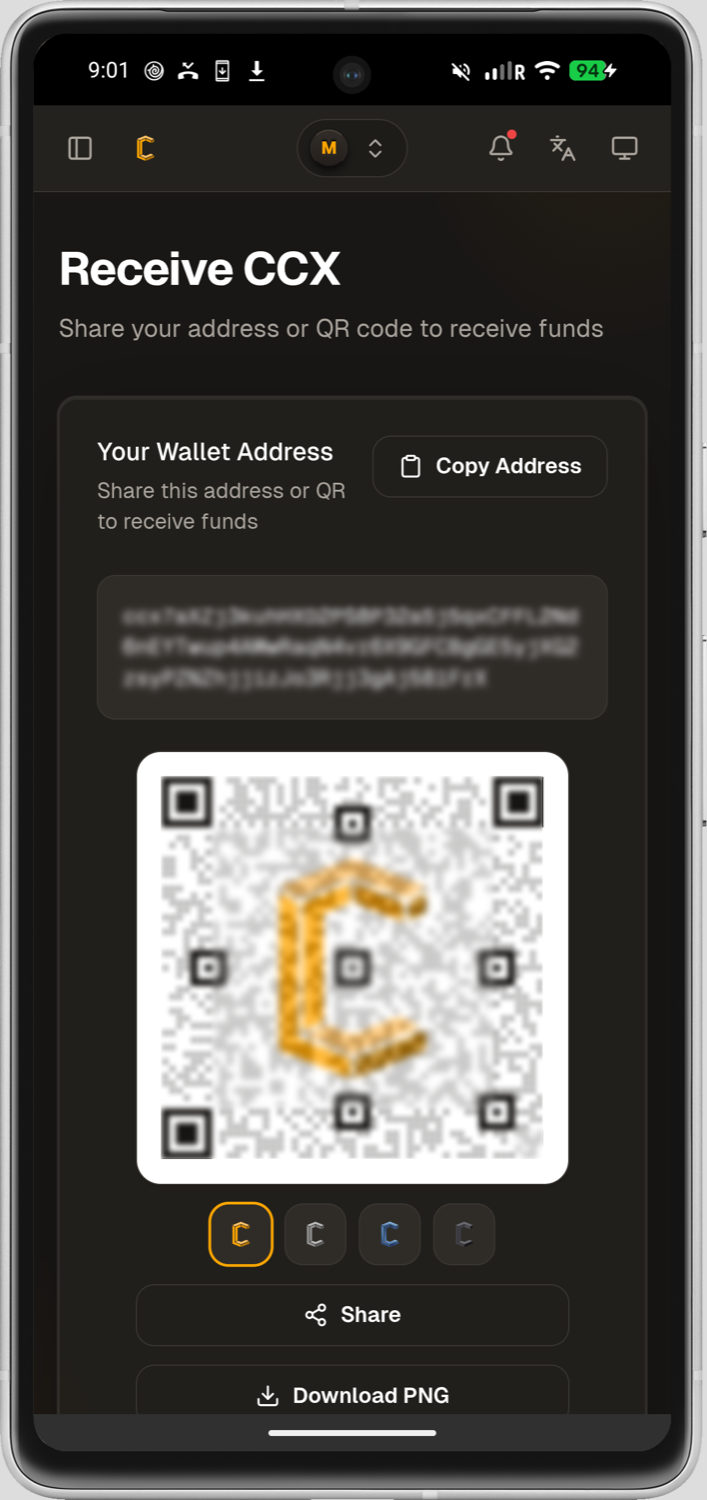
- Open Receive in the wallet and select the intended account or address.
- Copy the address using the wallet control or show its QR code.
- Compare the beginning and end of the address after pasting or scanning it. Clipboard-changing malware can replace an address after you copy it.
- If a service requires a payment ID or an integrated address, follow that service's current deposit instructions. Do not invent or omit an identifier.
- For a new sender or workflow, receive a small test amount first.
- Wait for the transaction to appear and receive the number of confirmations required by the receiving party.
An address is safe to share for receiving funds. Recovery information and private keys are not.
Send CCX
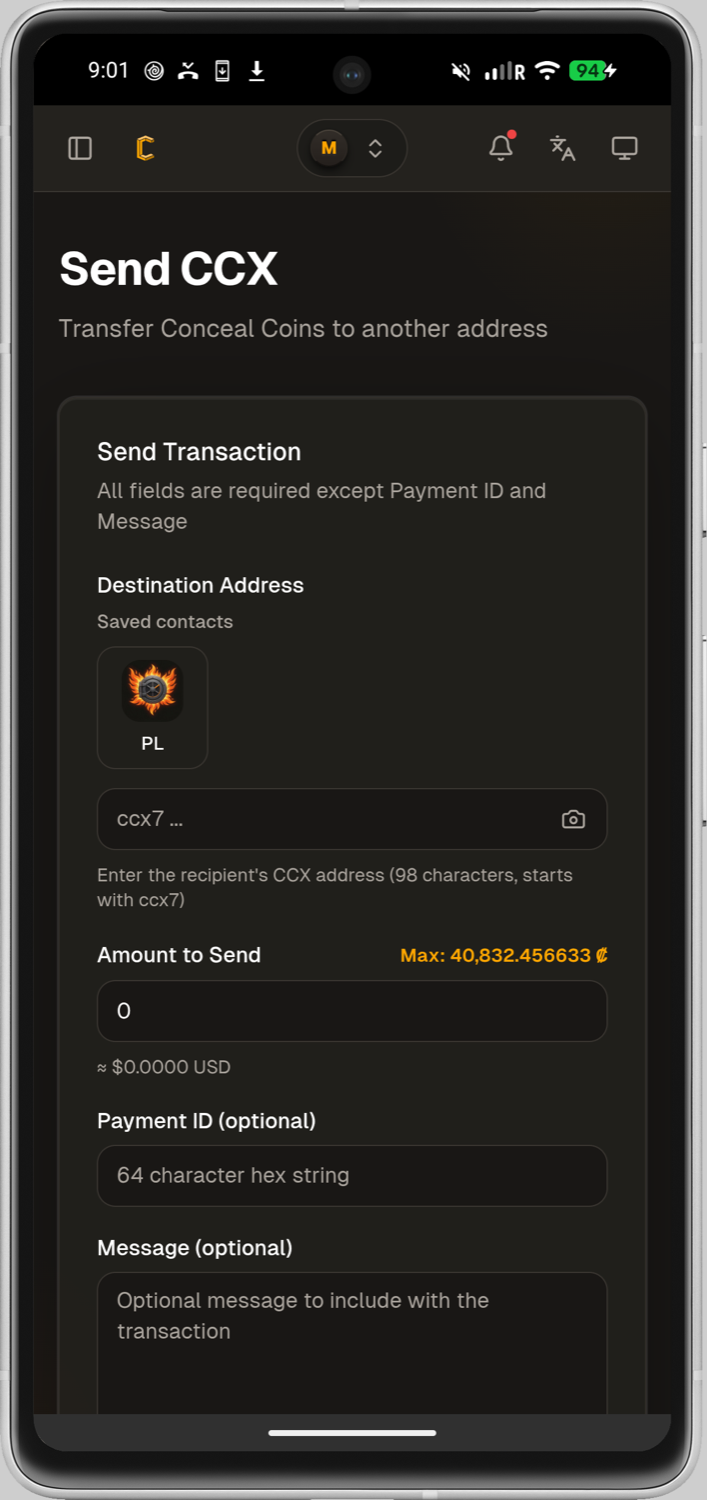
- Obtain the destination address through a trusted channel and confirm which network and asset the recipient expects.
- Paste or scan the address, then compare it with the original source. Recheck it after changing any other field.
- Enter the amount and any required payment identifier. Review the displayed fee and final total.
- Confirm that the remaining unlocked balance is sufficient. A total balance may include locked deposits, unconfirmed transfers, or outputs that are not yet spendable.
- Send a small test transaction when the destination or process is new.
- Record the transaction hash, not private wallet information, and use the explorer to follow confirmation.
Blockchain transfers cannot be recalled
Do not approve the transaction until the asset, network, address, amount and any payment identifier have all been checked.
If the wallet cannot construct the transaction
Wait for synchronization and pending transactions to finish. If the wallet reports too many small outputs or asks for optimization, follow the output guidance in Troubleshooting before retrying.