

Backup & Security
Protect wallet recovery information before upgrades, reinstalls, or device changes.
Recovery planning comes before a wallet upgrade, a browser reset, a reinstall, or a new device. A wallet application, device, or downloaded file is not by itself a backup.
Backup before change
- Use the wallet's documented backup or recovery flow while you still have normal access.
- Keep the resulting recovery information private and offline, separate from the device where practical.
- Confirm you can find the backup before changing software, clearing data, or moving devices.
- Record which wallet and version created it, without recording sensitive material in a ticket, chat, or cloud note.
- Test a recovery workflow with a small amount when the wallet documentation supports it.
Verify downloads
Download software from Conceal's release pages. Match the file to its release notes, then verify any published checksum or signature with a trusted local tool. A matching filename proves nothing by itself.
If something goes wrong
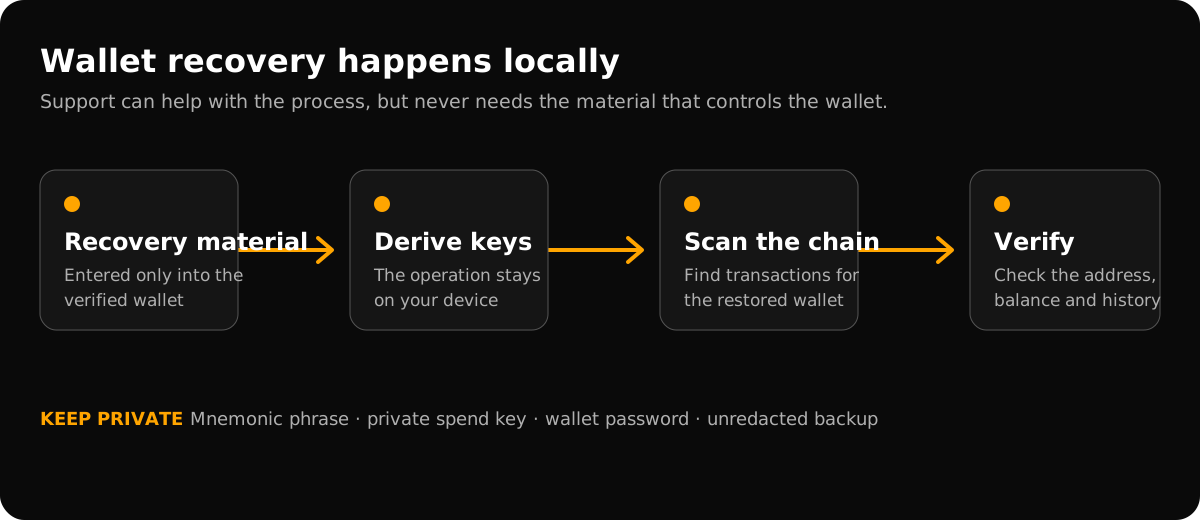
Stop before deleting data or running commands copied from a message. Keep the information you still have and check the guide for your installed wallet. Conceal support can explain the recovery process, but no responder needs the information that controls your funds.